
I Love the Smiths AI Video Generator
Put yourself and a friend or partner into the "I love the Smiths" elevator scene. Upload two photos to replace both people, with dialogue included and clothing based on your reference images.
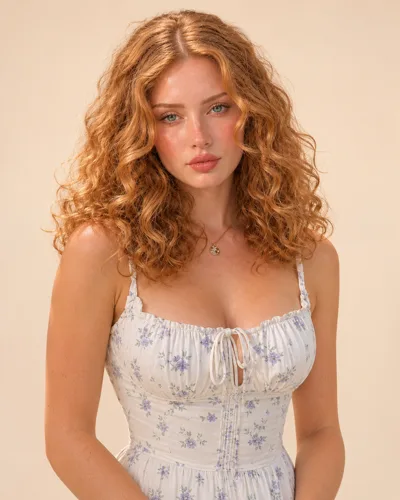
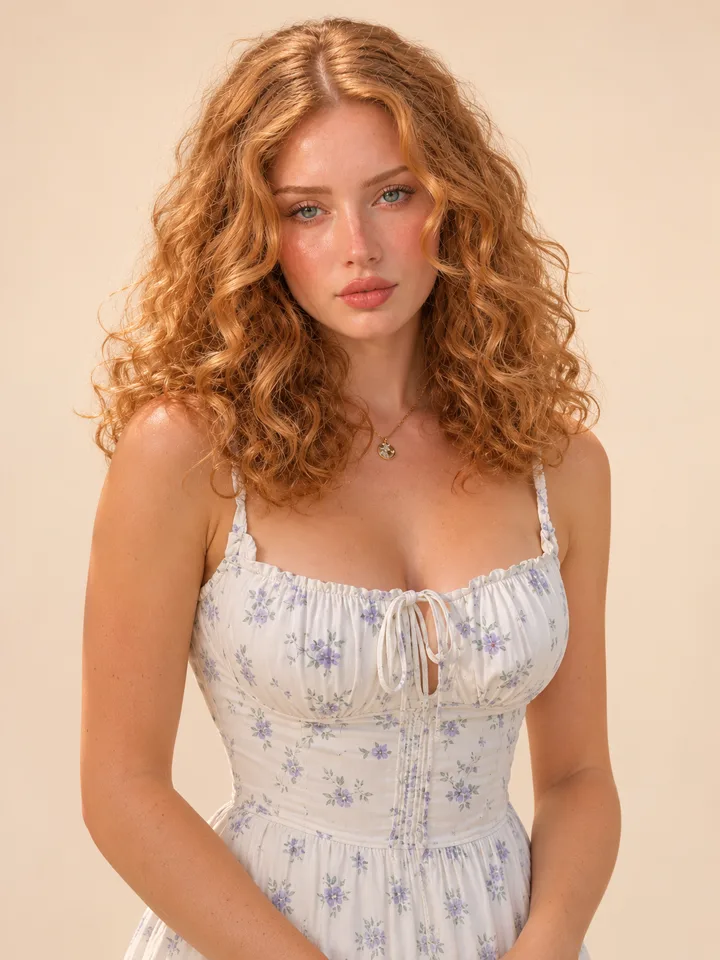
Use a clear, well-lit photo of one person, with the face easy to see and the outfit visible.


How to Make Your I Love the Smiths AI Video
Two photos, three steps, one elevator moment.
- 01 /
Choose a Photo for Each Person
Upload one photo in each box. The left photo becomes the person wearing headphones, and the right photo becomes the person saying the line.
- 02 /
Generate
Click Generate to create your video. The scene and dialogue are already set up—no prompt needed.
- 03 /
Preview and Download
Preview your finished video, then download it in 720p with a 16:9 widescreen frame with dialogue included.

Your Photos, Your Elevator Moment
Recreate the "I love the Smiths" moment with two people of your choice. The AI uses one reference photo for each person and places them into the preset elevator scene.
Clothing is based on your uploaded photos, so choose images showing the outfits you want in the video. The dialogue is included automatically.
What Is the I Love the Smiths Scene?
The "I love the Smiths" exchange comes from the elevator scene in (500) Days of Summer. One person is listening to music through headphones when the other starts a conversation about their shared taste in music.
This AI template lets you create a personalized version from two photos, replacing both people while keeping the preset elevator setting and dialogue.
- 01 Two photos
- 02 Elevator scene
- 03 Dialogue included
- 04 16:9 widescreen
What You Get
Both People Replaced
Use two reference photos to personalize both roles in the elevator scene.
Dialogue Included
The preset dialogue comes with the video. You do not need to record your own lines or write a script.
Clothing Based on Your Photos
Each person's clothing follows their reference image. Pick photos with the outfits you want to use.
720p Widescreen Output
Create a 720p video in 16:9 format for the elevator scene.
Switch Roles Anytime
Swap the two photos before generating to change who wears the headphones and who says the line.
No Prompt Writing
Upload your photos and generate. The template handles the scene and dialogue.
Make Your Own Elevator Moment for Free
Choose who wears the headphones and who says the line. Upload two photos and let the template handle the rest.
Try It Free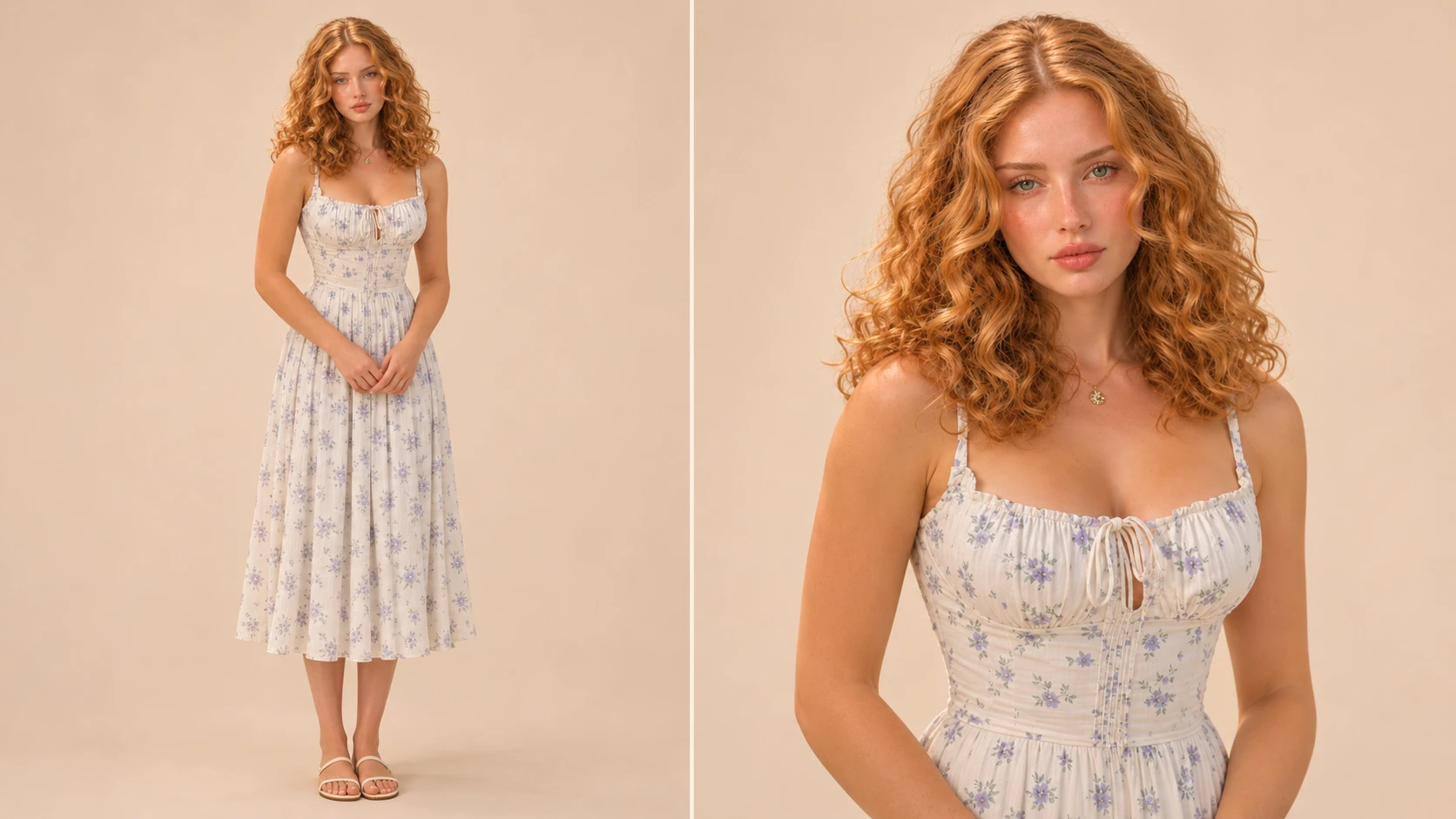
Tips for Better Results
- Choose clear, well-lit photos where each person’s face is easy to see.
- Avoid blurry images, heavy filters and objects covering the face.
- Use a separate photo for each person, with enough of their clothing visible to guide the outfit.
- You do not need to photograph either person inside an elevator.
- Check the roles before generating: left wears the headphones; right says the line.
More Viral AI Video Templates
Finished your I Love the Smiths video? Try another trend, from dance challenges to meme reactions. Pick a template, add your photos, and Genjutsu.ai does the rest.
Frequently Asked Questions
Can I try the I Love the Smiths AI generator for free?
Yes. Sign in to receive free credits, which you can use toward video generation.
How many photos do I need?
Two photos—one for each person in the scene. Upload each person's photo into the corresponding box.
Who wears the headphones?
The person in the left upload box wears the headphones. The person in the right box says "I love the Smiths." Swap the photos before generating to switch roles.
Do I need to write a prompt?
No. The scene and dialogue are preset. Upload your two photos to get started.
Do I need to upload the original movie clip?
No. You only need the two reference photos.
Does the I love smiths video include dialogue?
Yes. The generated video includes the preset dialogue, so you do not need to record it yourself.
Can I change the dialogue or elevator scene?
Custom dialogue and changes to the elevator scene are not currently supported.
Can I choose what the people wear?
Clothing is based on the uploaded reference photos. To use a particular outfit, choose a photo showing the person wearing it.
Do the people need to wear headphones in their photos?
No. The template places headphones on the person in the left upload box.
What resolution and aspect ratio will I get?
The generated video is 720p with a 16:9 widescreen aspect ratio.
Will the people look exactly like their photos?
The photos guide each person's appearance, but AI-generated results can vary. Clear reference photos help provide better visual guidance.